

Broken permissions, oversharing, and duplicate files quietly increase SharePoint risk. This webinar shows how to clean up access, prepare for Copilot, and reduce storage cost — without slowing collaboration.

Hitting SharePoint storage limits rarely happens overnight. It’s the result of years of unchecked versions, duplicate files, and unmanaged Teams. Learn what Microsoft 365 E3 and E5 really give you, the warning signs you’re close to the limit, and how to regain control before storage becomes a business problem.

To reduce complexity, improve adoption, and deliver real outcomes, we’ve grouped our products into three focused bundles—Governance & Control, Forms & Automation, and Engagement & Intranet. Each bundle solves a distinct business problem on its own, and together they create a joined-up, business-led approach to running SharePoint and Microsoft 365 at scale—without disconnected products, unnecessary complexity, or losing control.

Running InfoPath On-Prem won’t protect you after 2026. Support ends, security risks increase, and your forms can fail without warning. Here’s what you should do now.

We’ve just returned from an amazing week at the ESPC show! It’s always a highlight, but this year was extra special with the whole team joining (except Carl – we missed you!) Days were full of work and networking, and evenings were pure fun – we even turned the official party into our Lightning Tools Christmas do!

InfoPath is reaching its end-of-life, and migrating both form designs and Form Library XML data is more complex than many organisations realise. In this post, we explain why migration is so challenging and how Lightning Tools Form Migrator provides a fast, reliable way to modernise InfoPath solutions before the 2026 deadline.

Learn how we built a complete Security Incident Reporting Solution inside SharePoint using Lightning Tools Forms Studio — including forms, automation, document generation, and deployment — all in under an hour. Watch the full recorded webinar.
Join us as we build a complete Security Incident Reporting Solution in under an hour using Lightning Tools Forms Studio — modern forms, automation, document generation, and deployment all inside SharePoint.
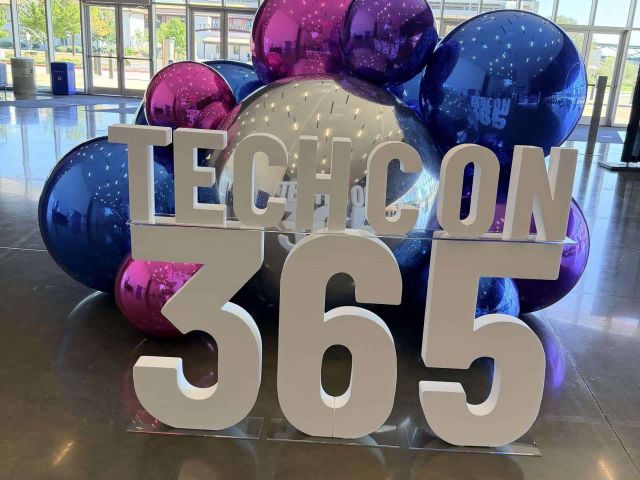
Lightning Tools proudly joined Microsoft TechCon 365 in Dallas as Gold Sponsors. Brett Lonsdale’s session on DeliverPoint drew strong interest following the keynote on AI and Copilot readiness—highlighting how permission and sharing control are key to secure innovation. Between great conversations, Texas adventures, and even a few turtles at “Turtle Bay,” it was a memorable week of learning and connection.