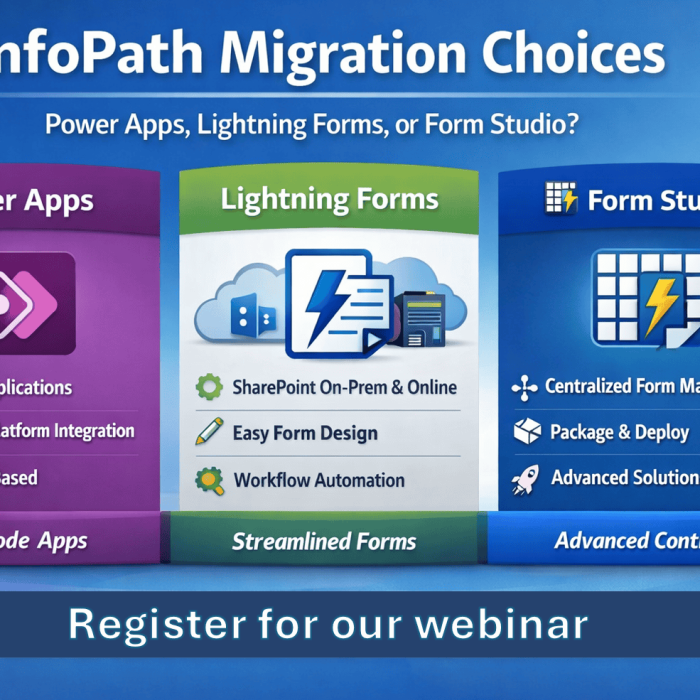
Managing contracts in SharePoint doesn’t have to involve manual processes, email chains, or outdated tools like InfoPath. In this recorded webinar, Microsoft 365 MVP Brett Lonsdale demonstrates how to implement a complete contract approval and document automation solution using Lightning Tools Forms Studio.
Whether you’re responsible for compliance, legal reviews, or operational workflows, this solution helps streamline your contract lifecycle within SharePoint Online.
What the webinar covers:
- Form Design – Create dynamic, user-friendly forms using Lightning Forms
- Workflow Automation – Set up conditional logic and approvals with Lightning Tools Actions
- Document Generation – Automatically produce Word or PDF documents with real-time SharePoint data using the Document Generator
- Solution Development– Work With Lightning Forms, Lightning Tools Actions, Document Generator, Scheduled Workflow Actions, and Package and deploy the entire solution across multiple SharePoint sites with Lightning Tools Forms Studio
Bonus: Migrating from InfoPath
The session also includes a live demonstration of the Lightning Tools Form Migrator, showcasing how you can convert InfoPath forms into modern SharePoint Online solutions — without losing your data or starting from scratch.
🎥 Watch the full webinar recording below: