Webinar: Building a SMART Goals Tracking Solution in SharePoint with Lightning Tools Forms Studio

Brett Lonsdale, CEO of Lightning Tools, delivers a webinar on how to build a SMART Goals tracking solution in SharePoint using Lightning Tools Forms Studio. Learn how to design intuitive goal-setting forms, automate progress tracking with triggered and scheduled actions, and generate insightful reports using Lightning Conductor.
  • Home
  • Webinar
  • Webinar: Building a SMART Goals Tracking Solution in SharePoint with Lightning Tools Forms Studio

Missed our webinar? Brett Lonsdale, CEO of Lightning Tools, delivers a webinar on how to build a SMART Goals tracking solution in SharePoint using Lightning Tools Forms Studio. Learn how to design intuitive goal-setting forms, automate progress tracking with triggered and scheduled actions, and generate insightful reports using Lightning Conductor.

This session covers:

✅ Designing structured SMART Goals forms with an intuitive UI

✅ Automating goal updates, notifications, and tracking with scheduled actions

✅ Aligning goals with company objectives and mission

✅ Creating real-time reports to monitor progress and performance.

Whether you’re looking to replace Microsoft Viva Goals or implement a custom goal-tracking solution in SharePoint, this webinar will equip you with the tools and techniques needed to build an efficient system.

Related Posts
Clear Filters

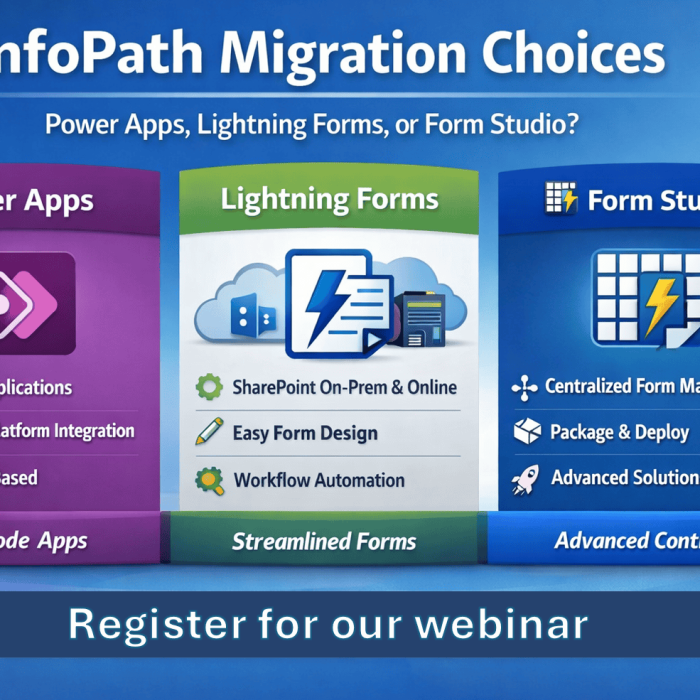
InfoPath isn’t just deprecated — it’s becoming a growing risk. In this webinar, Brett Lonsdale (Microsoft 365 MVP) explains how InfoPath Form Libraries store data as XML, why that’s a problem, and demonstrates real-world migration options for SharePoint On-Premises and SharePoint Online using Power Apps, Lightning Forms, and PDFs.

Learn how we built a complete Security Incident Reporting Solution inside SharePoint using Lightning Tools Forms Studio — including forms, automation, document generation, and deployment — all in under an hour. Watch the full recorded webinar.

Add Comment