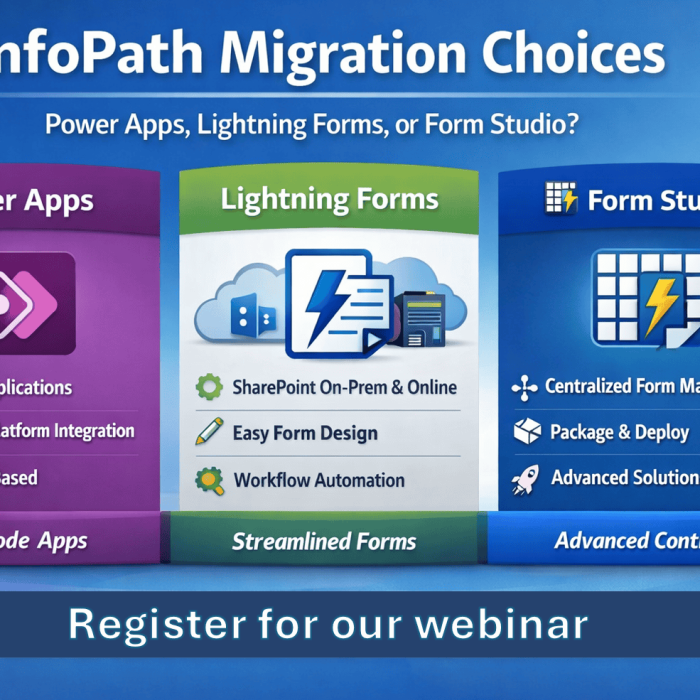
This week, we hosted a live webinar showing just how quickly you can build real business solutions inside SharePoint using Lightning Tools Forms Studio — our modern form designer, automation engine, and deployment platform for Microsoft 365.
If you missed it, the full recording is available below.
During the session, we built a fully functioning Security Incident Reporting Solution from start to finish… in under an hour.
This wasn’t a mock-up or a pre-built template.
It was built live — forms, logic, automation, document generation, tasks, Teams notifications, and deployment — all inside SharePoint.

What We Built (Live)
The example use case — a Security Incident Reporting Solution — is something many organisations struggle to deliver cleanly. It requires structure, automation, auditing, and consistency across departments.
Using Lightning Tools Forms Studio, we built:
A modern, multi-tab form
- Incident details
- Evidence
- Investigation tasks
- Resolution
- Audit trail
A clean, multi-column layout
Optimised for usability and fast data entry.
Conditional logic & status-based field control
Fields appear when needed, stay hidden when not.
One-to-many relationships (Sublists)
- Multiple evidence items per incident
- Multiple investigation tasks, each with their own workflow
Cross-site lookup
Pulling centralised department info from another site.
Automated folder creation
A structured incident folder instantly generated in SharePoint.
Automated PDF generation
A professional incident summary produced on submission.
Triggered & scheduled notifications
Email reminders, escalations, and Microsoft Teams alerts.
Packaging & deployment
Once finished, we packaged the solution and deployed it to another site collection in minutes — ensuring consistency across the entire organisation.
All built live, in under 60 minutes.
Why Forms Studio Makes This So Fast
Forms Studio brings together everything needed to build complete business solutions inside SharePoint:
Modern Form Designer
Tabs, columns, layout, logic, styling, file viewer, sublists, and cross-site lookups.
Built-in Automations
Triggered tasks, scheduled tasks, notifications, folder creation, document generation, and cross-site actions.
Packaging & Deployment
Create once → deploy everywhere.
Perfect for organisations with multi-site structures or departmental workflows.
SharePoint Agent Ready
Future-proof deployment aligned with the evolution of SharePoint Embedded and SharePoint Agents.
All of this means you can deliver real business value in a fraction of the time needed for traditional Power Platform builds or custom development.
Who Should Watch?
This session is ideal for:
- SharePoint administrators
- Citizen developers
- Solution architects
- IT & Security teams
- Governance & Compliance professionals
- Anyone modernising legacy or manual processes
If you work with Microsoft 365 and want a faster, cleaner way to build business processes, this recording is worth your time.
Want to Build This in Your Environment?
If you’d like help implementing this Security Incident Reporting Solution in your own tenant — or want to explore other business processes you can modernise with Forms Studio — our team is here to help.