How to Migrate InfoPath Forms and XML Data Safely
If you’re still running InfoPath forms, the real danger isn’t just that InfoPath is deprecated — it’s that your data is locked away in XML, often buried inside Form Libraries that are hard to access, report on, or migrate cleanly.
In this webinar, I walk through what InfoPath really is, how Form Libraries actually work, why XML is the biggest migration challenge, and—most importantly—what you can realistically do about it whether you’re on SharePoint On-Premises or SharePoint Online.
Webinar Recording: InfoPath Migration – From Risk to Reality

Understanding the Real InfoPath Problem
InfoPath isn’t just a form designer. For many organisations, it became:
- A data capture system
- A workflow trigger
- A long-term data store
The issue is that InfoPath Form Libraries store each submission as XML. That means:
- Your data isn’t in lists
- It isn’t relational
- It isn’t searchable in meaningful ways
- And it isn’t easy to move
When InfoPath goes, that XML doesn’t magically become usable.
Doing nothing isn’t neutral — it’s a risk decision.
SharePoint On-Premises: Your Options (and Your Constraints)
If you’re running InfoPath On-Prem, in July 2016 you’re in unsupported territory. No fixes. No roadmap. No safety net.
In the webinar, I cover three realistic paths:
1. Minimum-Risk: Convert XML to PDF
If you need read-only access for compliance or audit purposes:
- Convert InfoPath XML to PDFs
- Preserve the data in a human-readable format
- Remove dependency on InfoPath entirely
This is often the fastest risk-reduction move.
2. Replace InfoPath with Lightning Forms (On-Prem Friendly)
If the forms are still actively used:
- Migrate the form design
- Migrate the XML data into SharePoint lists
- Replace InfoPath with Lightning Forms, which works on-prem
This keeps users productive without forcing a cloud migration.
3. Prepare for Cloud Migration
Even if you stay on-prem for now, cleaning up InfoPath first massively reduces complexity later.
SharePoint Online: Modernising Properly
For organisations already in SharePoint Online, the conversation changes.
Here, the focus is on modern forms and usable data.
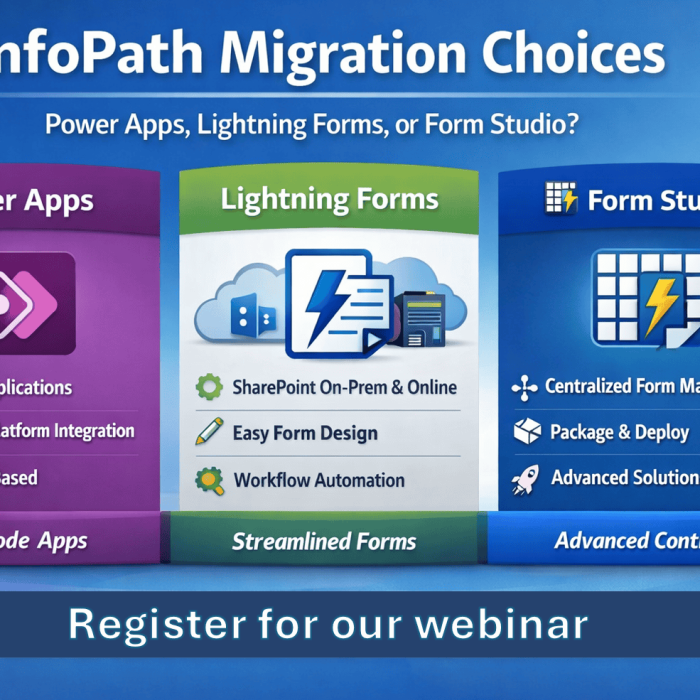
In the live demo, I migrated InfoPath forms and data to:
- Power Apps (Canvas and Integrated Forms)
- Lightning Forms
- PDF outputs where appropriate
The key point:
Migration isn’t just about recreating a form — it’s about freeing your data.
Once data is in lists (or Dataverse), everything improves:
- Reporting
- Automation
- Security
- Copilot readiness
Why XML Is the Hard Part — and How We Handle It
Anyone can rebuild a form.
The real challenge is:
- Thousands of XML files
- Repeating sections
- Attachments
- Field mappings
- Version differences
That’s why the Lightning Tools Form Migrator exists.
It handles:
- Form design migration
- XML data extraction
- Conversion to lists, Power Apps, Lightning Forms, or PDFs
- At scale, not one form at a time
This was all shown live in the session.
The Bottom Line
If you still have InfoPath forms:
- You’re not “waiting” — you’re accumulating risk
- XML in Form Libraries is technical debt
- Migration gets harder the longer it’s delayed
The good news?
There are safe, practical paths forward — even on-prem.
Watch the Full Webinar
If you’re responsible for SharePoint, forms, or compliance, I strongly recommend watching the full session above.
It’s practical, honest, and grounded in real migrations — not theory.
👉 Learn more about the Lightning Tools Form Migrator
https://lightningtools.com/product/sharepoint-form-migrator/