Webinar: Social Squared Discussion Forums Community Platform for SharePoint

Looking for a better way to build structured discussions in Microsoft 365? In this recorded webinar, Brett Lonsdale (Microsoft 365 MVP and CEO of Lightning Tools) demonstrates Social Squared, a powerful SharePoint Community Platform Tool for creating organized discussion forums inside SharePoint and Microsoft Teams.
  • Home
  • Webinar
  • Webinar: Social Squared Discussion Forums Community Platform for SharePoint

Unlock the full potential of collaboration in Microsoft 365 with Social Squared, the leading SharePoint Community Platform Tool.

In this webinar, Brett Lonsdale (Microsoft 365 MVP and CEO of Lightning Tools) demonstrates how Social Squared brings structured discussion forums to SharePoint Online and Microsoft Teams—empowering your community of practice, education environment, or enterprise team to connect, share knowledge, and collaborate more effectively.

👉 In this session, you’ll discover:

  • Why SharePoint & Teams need a true community platform tool
  • How Social Squared discussion boards differ from Teams Chat, Viva Engage, and Email
  • Key features: Moderation, tagging, search, Mark as Answer, semantic colors, and customizable UI
  • Real-world use cases in Government, Education, and Enterprise collaboration
  • What’s new: Transparent backgrounds, global menu customization, moderation updates, and more

Whether you’re building a knowledge-sharing hub, a learning community, or a company-wide forum, Social Squared provides a familiar yet powerful way to organize conversations inside Microsoft 365.

Related Posts
Clear Filters

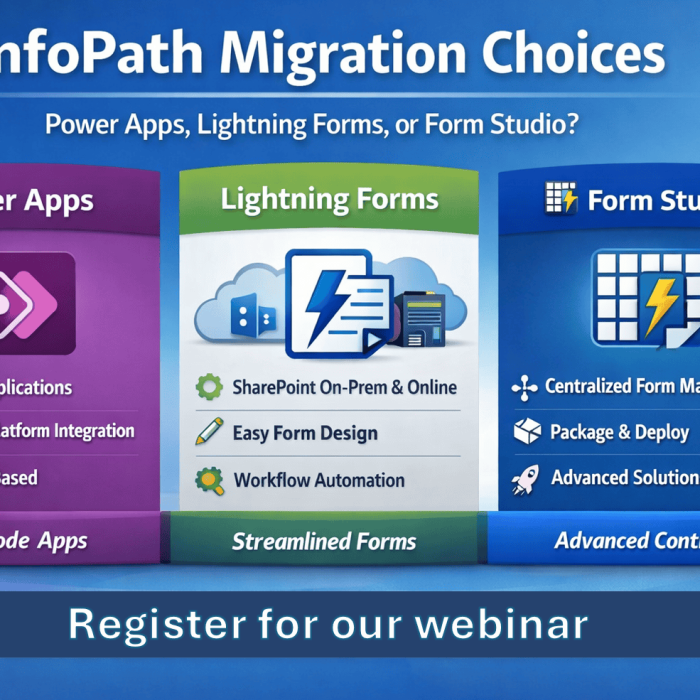
InfoPath isn’t just deprecated — it’s becoming a growing risk. In this webinar, Brett Lonsdale (Microsoft 365 MVP) explains how InfoPath Form Libraries store data as XML, why that’s a problem, and demonstrates real-world migration options for SharePoint On-Premises and SharePoint Online using Power Apps, Lightning Forms, and PDFs.

Learn how we built a complete Security Incident Reporting Solution inside SharePoint using Lightning Tools Forms Studio — including forms, automation, document generation, and deployment — all in under an hour. Watch the full recorded webinar.

Add Comment